
Quick Answer
Vite adjusts source-position calculations to account for carriage-return-plus-line-feed endings. Error frames can then point to the intended characters in files that use CRLF.
In Plain English
A displayed line break is not always one character in a source file. Windows-style text commonly uses two characters, while LF text uses one. A tool that splits lines correctly but advances offsets by only one can gradually lose its place.
Code Evidence
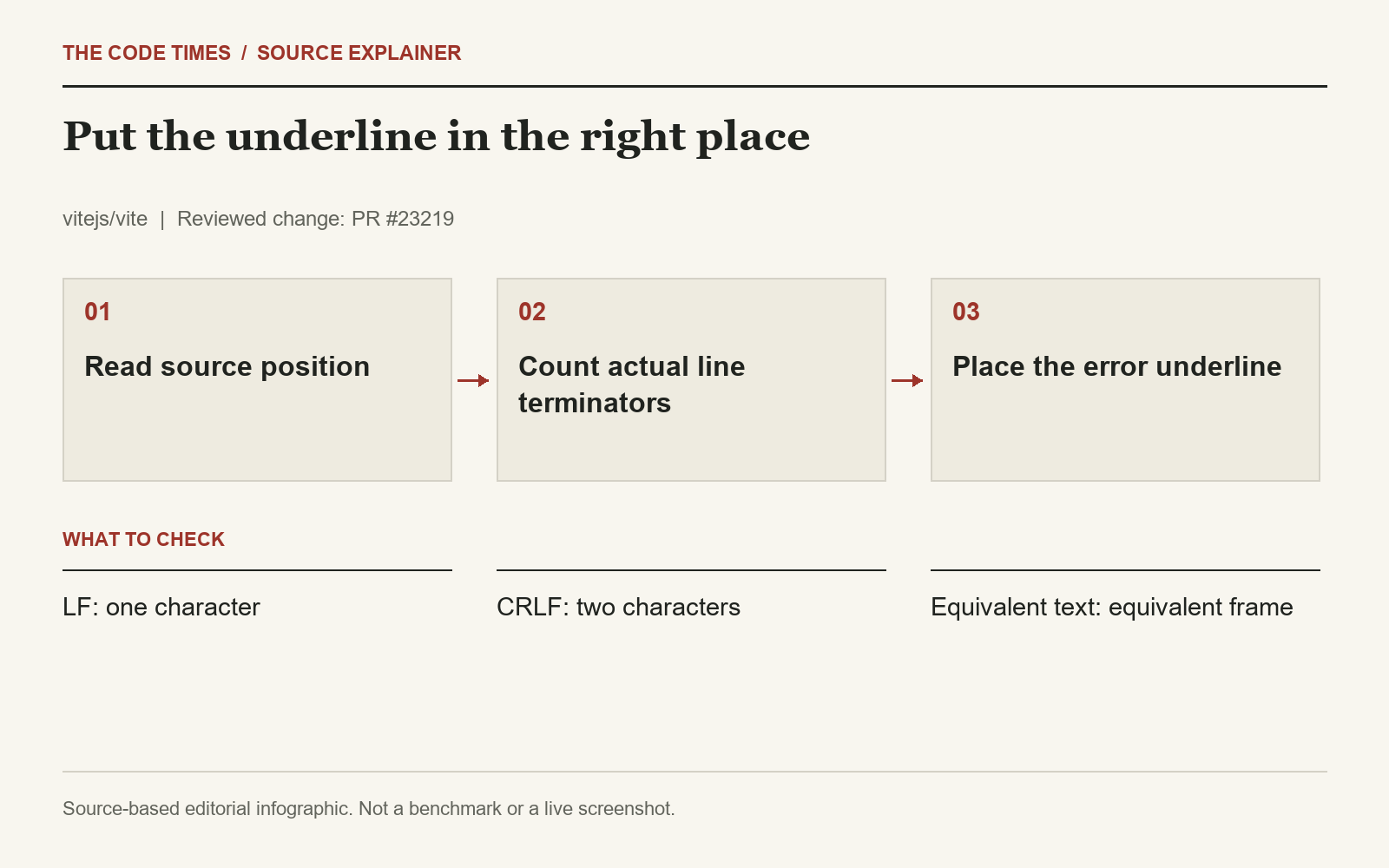
In packages/vite/src/node/utils.ts, lineTerminatorLengthAt reports a two-character terminator when the source contains a carriage return. Position conversion and code-frame generation use that length. New tests cover a line-and-column position, an explicit offset, and a range spanning several lines. One comparison checks that equivalent CRLF and LF input produces the same frame.
One visual break, two source characters
A diagnostic frame is a small excerpt of source code with a marker under the relevant location. To draw it, a tool must translate between an offset in the original string and a line-and-column position. LF contributes one character to that offset; CRLF contributes two while appearing as a single line break to the reader. A line-splitting operation can display both files correctly even when the arithmetic used to advance through them is wrong.
The discrepancy accumulates as the tool moves across lines. In a simplified example, passing three CRLF terminators while counting each as one leaves the running offset three characters behind the original string. That arithmetic example explains the mechanism; it is not a measured result from a Vite execution. It also explains why an error later in a file can be more revealing than one on the first line. A first-line fixture may never exercise the terminator calculation at all.
What the regression cases establish
The added cases approach the utility through different kinds of position data: a line and column, an explicit offset, and a range that spans multiple lines. Those are useful distinctions because an implementation could fix one conversion while leaving another inconsistent. The comparison between equivalent LF and CRLF input asks whether changing the representation of line endings changes the displayed diagnostic. For equivalent text and corresponding positions, the expected visual frame should remain consistent.
The helper centralizes the terminator-length decision used by the changed position and frame logic. That is a more direct repair than shifting an underline by a fixed number of characters. A constant adjustment would only happen to work for a particular number of preceding lines. Counting the source's actual terminators connects the location calculation to the representation it is traversing. The patch addresses the reviewed utility paths; it does not prove every tool that displays a Vite error uses identical position conventions.
A cross-platform team scenario
Imagine a repository whose contributors use different editors or checkout settings. Two developers can see the same lines of application code while their working copies use different line terminators. If the error marker points at the wrong token for one developer, the team may initially investigate a code difference that is not present. Checking the file's actual line endings is a useful part of reproducing that diagnostic mismatch. The operating system alone is insufficient evidence because Windows editors can save LF and other systems can contain CRLF files.
For local validation, keep a tiny failing source example in two controlled representations and place the error after several line breaks. Compare the highlighted token and a range that crosses a line boundary. Ensure the process used to create or read the fixtures does not silently normalize the terminators. Otherwise, two supposedly different inputs may become identical before they reach the utility. These are proposed validation steps; this article did not run an independent Windows reproduction.
Keep source transformations in view
A correct line-ending count is necessary for these locations, but the source used for a diagnostic may also have passed through a plugin or other transformation. If the marker remains wrong, compare the string being framed with the string to which the reported position refers. A generated prefix, removed text, or an incorrect source mapping can create a separate mismatch. That investigation should follow the remaining evidence instead of treating every inaccurate underline as the same CRLF bug.
The practical benefit is a more trustworthy starting point for debugging. Developers still need to interpret the error and inspect the relevant code, but the frame should direct that attention to the intended characters. The release and diff support a diagnostic-accuracy correction, with specific regression coverage, rather than a change in application semantics or a claim about faster builds.
Why It Matters
For mixed Windows and Unix development teams, a reliable error marker shortens the path from a build failure to the actual code. This is about diagnostic accuracy. The patch does not change the meaning of the application’s JavaScript or prove that all editor integrations handle line endings identically.
An Open Question
Are there other source transformations between the original file and the reported location? Line endings are one part of the problem. Generated code and source maps may introduce separate offsets that this helper cannot resolve by itself.
Scope and Limitations
Our review covers the changed utility and added tests, not an independent run on Windows. Vite lists the correction in version 8.3.0.